Skip to content

Country

IPS LCD (With Text) for Game Boy Advance SP

Sold out
Original price $58.99 - Original price $58.99
Original price
$58.99
$58.99 - $58.99
Current price $58.99

The display you've come to love on your Game Boy Advance is now available on the SP! Enjoy your favorite GBA titles with this startlingly crisp and impressively vibrant Laminated backlit IPS LCD display by Funny Playing. 

Please read the product description carefully and in its entirety before purchasing. 

Features

  • Suitable for AGS-101 and AGS-001 models
  • Backlit IPS LCD brighter than AGS-101 or NDSL displays
  • Crisper image than the AGS-101
  • Proportional image
  • Fast refresh rate with no blur
  • Wide viewing angle
  • Easy, solder-free installation with little trimming involved
  • Brightness control button requires soldering one wire
  • Supports the software-based sleep mode built into select games

Included

Documentation

Notes

  • Note that the LCD comes with a pre-attached lens; we do not recommend attempting to remove this lens, as it is adhered directly to the LCD
  • We strongly recommend you follow the tutorial linked in the Documentation section, and use one of our professionally trimmed SP shells, to minimize the risk of damage during the installation.

Warning

  • We strongly recommend testing the display before installing it in your Game Boy Advance. Please follow our Display Testing Guide to confirm the kit is working before the adhesive is secured, the display protection sheet removed, or any non-critical soldering to the ribbon or driver PCB. We are unable to accept returns or replacements on kits that have been installed in a console. Individual replacement parts may be available in the "Included" section above.
  • The ribbon is very fragile, be sure to handle it carefully to avoid damage.
  • Too much pressure can permanently damage the display, do not force the shell closed around the LCD. Ensure the shell is properly trimmed for the display before attempting to install it.

Change Log


2019-10-09: Product page created.
  • 5 stars: 55 (90%)
  • 4 stars: 4 (7%)
  • 3 stars: 0 (0%)
  • 2 stars: 1 (2%)
  • 1 star: 1 (2%)
J
JJ G
Amazing Upgrade

This was an easy upgrade to do and paired with a pre-cut shell it give the game boy that brand new feeling again. I will be getting this for a friend in the future!

R
Ryan Shiskowski
Amazing replacement

This screen is simply amazing. Miles better than the frontlit screen in my old AGS-001. Easy to install, I soldered the brightness control wire in and now have 6 brightness levels which is amazing. My only nitpick would be that the foam included to cushion the screen in the upper half of the shell seemed to be a little thicker than needed, and was tough to squeeze in there, but otherwise incredibly satisfied with this screen.

J
Joshua Tong
Insane upgrade over my old front light SP

I recently decided to fully upgrade / mod my 17 year old Advance SP. It's old and has that ancient form of front-lighting. Upgrading that to this modern IPS screen, just wow! The brightness is insane, the color is poppin and the viewing angle is amazing (just like my Nintendo Switch). The display has 4x the amount of pixel so the pixels are more concentrated together. While it is still displaying a GBA game, the fact that it basically 4x all the pixels in the game mean that the picture will looks super sharp (almost as if it has a hardware form of anti aliasing). lastly, the screen is a tad bit bigger than the old SP screen at 3.2 inch vs 2.8 inch, which looks really nice because it means less bezel and more screen.

F
Fred Caprara
Just spectacular!

I purchased this display on the strength of all the recommendations over at r/Gameboy and I was not disappointed at all. Installation is straightforward. The soldering required some practice and patience, as did the shell trimming, but neither was overly complicated. The display itself, even on the default setting, is absolutely beautiful. I highly recommend this display if you're looking to upgrade your GBA SP!

M
MarcM
Amazing display!

I was honestly blown away at how great the screen looked, the colours are popping in your face. Made my experience playing so much more enjoyable. Probably one of the easier mods for beginners to install. Just do yourself a favour and buy a trimmed case.

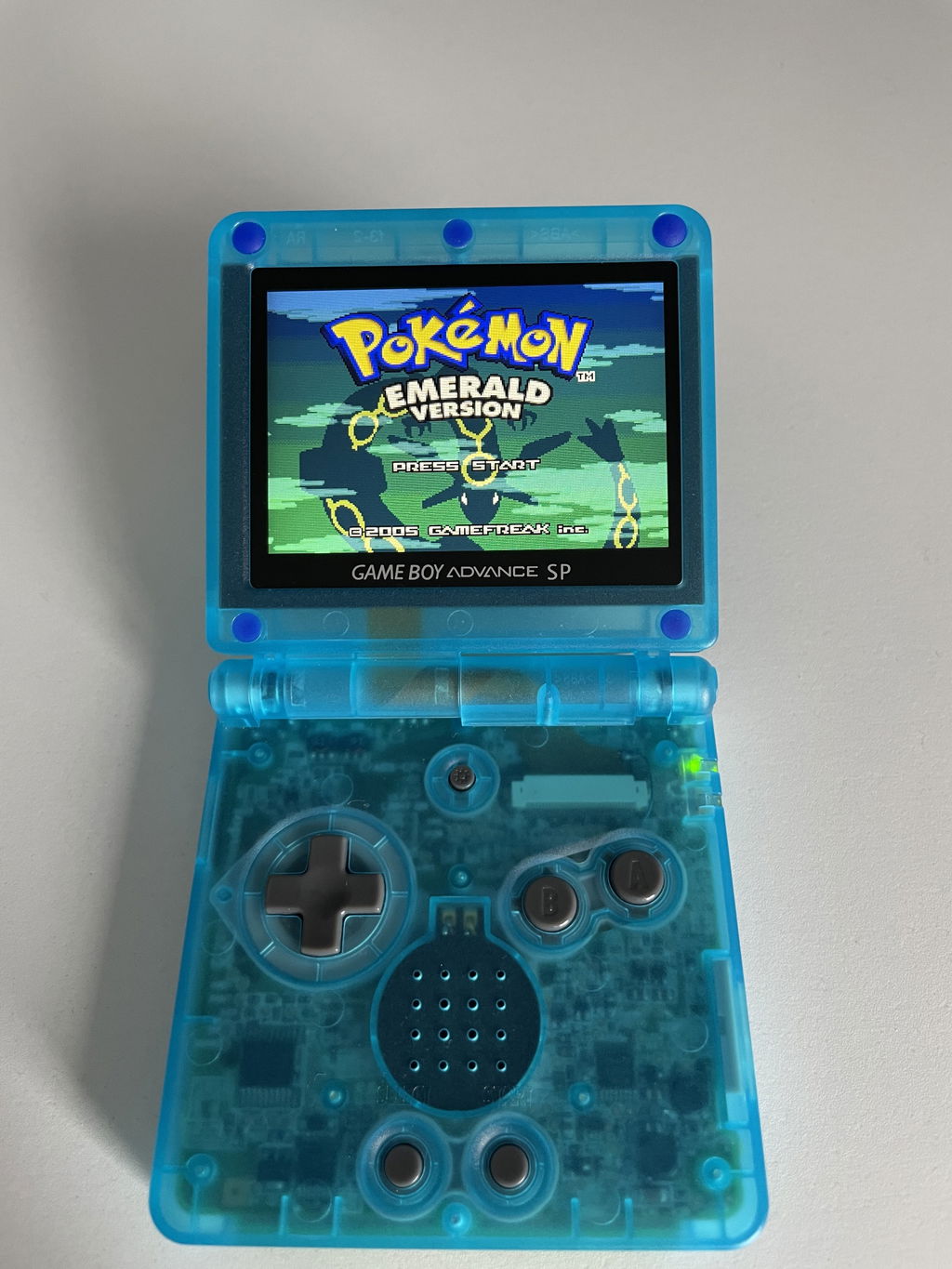
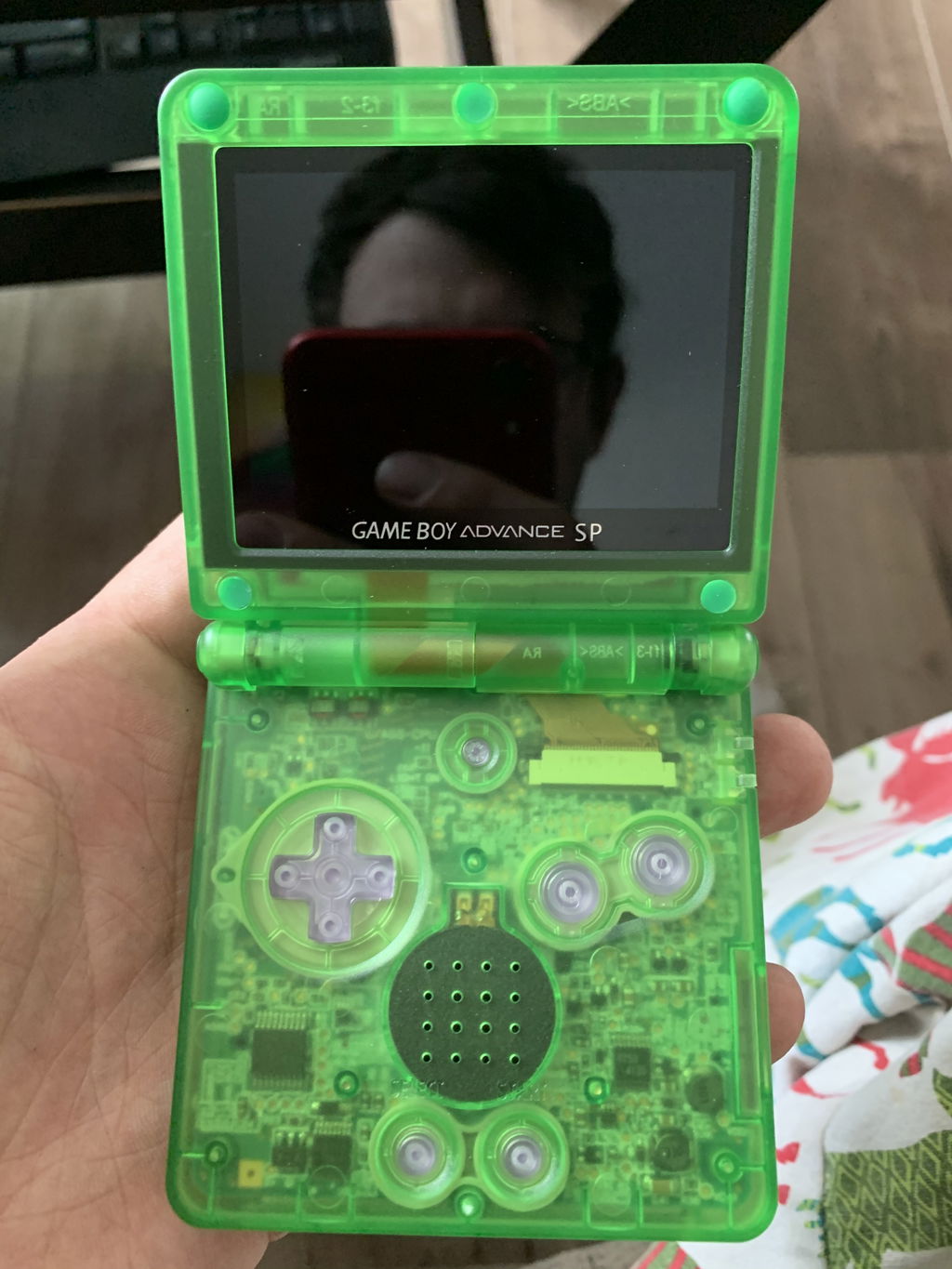
Pictures are before and after. AGS101 vs IPS

P
Paolo Tradati
All perfect

Everything was perfect on Retro Modding's end. I could not say anything bad even If I wanted to.

T
Timothy Robb
Brilliant Display, Amazingly bright and Excellent Support

The experience of modding my Gameboy Advance was not too overly challenging, but not for everyone. I have some experience with electronics, though, and that helped. The instructions were easy to follow, but I did need to go back in and remove more plastic from the bezel. This is where the support team helped. Initially after installing it, everything worked great but there was a small yellow circle in the bottom left of the screen. The support team helped to identify that the reason was because I had not cut away enough plastic and the screen was being lightly pinched in that area. After I cut away more plastic, everything was perfect and crystal clear. This is an awesome screen with deep darks, brilliant color and it is very bright. I highly recommend this upgrade.

One last thing to note was make sure you are mindful of your ribbon cable being curled up inside the hinge. I had mine exposed slightly and if I hadn't noticed, it would have been damaged simply by opening and closing the Gameboy to play.

C
Charles Gough
Nice Quality!

Nice quality IPS screen!

P
Paisley Macauley

IPS LCD (With Text) for Game Boy Advance SP

S
Steve
Works and looks great

Works great, looks great, the ribbon cable was a lot less fragile than I expected. Super happy.

s
sakamoto yositaka
IPS液晶画面の位置を決めやすい

この商品はIPS液晶画面と画面カバーが一体化しているため、液晶画面の位置を決めやすいです。
従来製品よりも位置がずれにくい良い製品だと思います。

L
Linds
Good Stuff

Just make sure the ribbon cable is connected completely unless you want to look like a moron like I did spending hours trying to figure out a problem when all I had to do was align the connector properly. Display is good, my only gripe is how the IPS screen has a bit bigger pixels so it's like playing a DS game on a 3DS without changing the resolution. But new screens are just like that so there's nothing you can do. Despite that I'm still giving it 5 stars because it does work as it is supposed to.
I had to remove both rails from the inside of the SP top to fit the screen in, as opposed to just one, but I was using my original top so the rails were closer together.

N
Niklas Nevander
Great display!

Easy to install, brought some new life to my ags 001! Would recommend!

R
Rob Turner
Fantastic

Great mod, very nice results

D
Devon S
Beautiful screen

Really easy install into new case, great picture quality!

N
Nosha
absolutely perfect

100 times better than the original screen

A
Anthony Montuoro
Review

Very happy with purchase

G
Graham Bell
The best thing going for your GBA.

The screen was easy to install and looks great! Complete game changer if you don't have an ags-101.

V
Vlad Rosu
Gba IPs screen

Amazing screen. Just the best in the business. 100% recommend

D
David Lefebvre

Vraiment bon produit

A
Alex Torres
Great screen

I bought three of these already one came with a yellow blotch on the screen and they replaced it quick great products!!!

N
Name kept private.
Like a new handheld arcade machine

The screen is incredible and fits in to the molded shell perfectly. Installation is not for the faint of heart though. I have shaky hands - too much coffee and a magnetic screwdriver for one. I'm intermediate at soldering, but still soldering the tiny wire to the 2 tiny pads was hairy. I did it properly, but I think part of that was luck. I would make two suggestions to others installing the LCD (and I'm sure it's mentioned many times on many sources): Cut a piece of the backing foam that covers the circuit board for the ribbon cable. I found it was causing the plastic to bulge. So I cut it, then cut a thin strip of the piece I cut and laid that over the middle of the board - to help keep it in place in case my 2-sided tape failed. The thin strip can then spread out and doesn't put any pressure on the board. The other suggestion is - and it's mentioned in many tutorials, is to connect the board to the LCD first BEFORE taping down the board. I was having trouble attaching the microscopic connector, so I made the mistake of taping the board down first and then attaching it. It caused a bit of pull on the connector and caused the backlight to malfunction. So I untaped it, reconnected, and taped it back down carefully and that worked. It's a tough connector, but don't put pressure or pull on it.

I also give customer support a 6-star review. I had somehow initially ordered the wrong LCD. I ordered the one for the regular GBA. Customer support was prompt, polite and very helpful in rectifying the situation. Will order from Retro Modding in future and recommending to friends.

D
Darren Lee

Love the IPS display, just make sure to connect to ribbon cable to the PBC before soldering the brightness wire. I did it the other way around and it lifted the pad.

J
James Williamson
Worth it

I love it (got a pre cut shell to make it easier) fairly easy to change and just works, looks amazing and really cleare

S
Stephen Arseneau
Top quality/Easy install

The IPS screen brought new life to my favorite childhood handheld. Purchased with pre trimmed shell made it super easy to install. The image quality is incredible and a massive upgrade to the AGS-001 front lit screen I had.

T
Thomas Ferguson
Beautiful Screen

This is an excellent upgrade from the original front lit display. Highly recommended.