Skip to content

Country

Funny Playing IPS LCD for Game Boy Advance

Sold out
Original price $58.99 - Original price $58.99
Original price
$58.99
$58.99 - $58.99
Current price $58.99

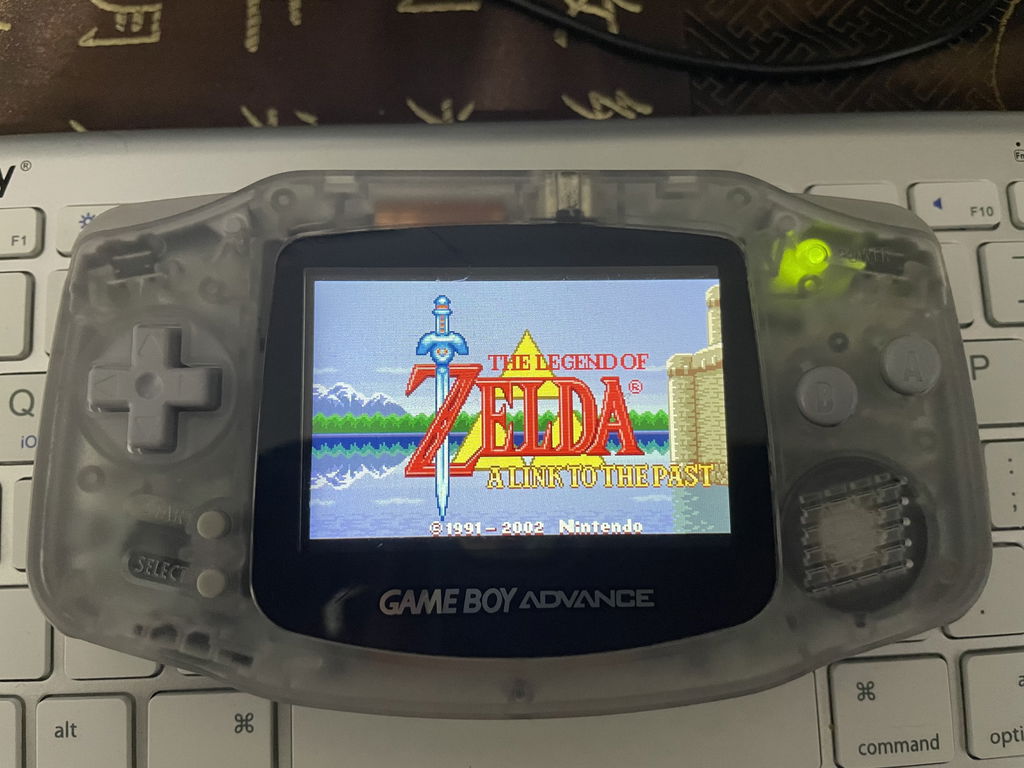
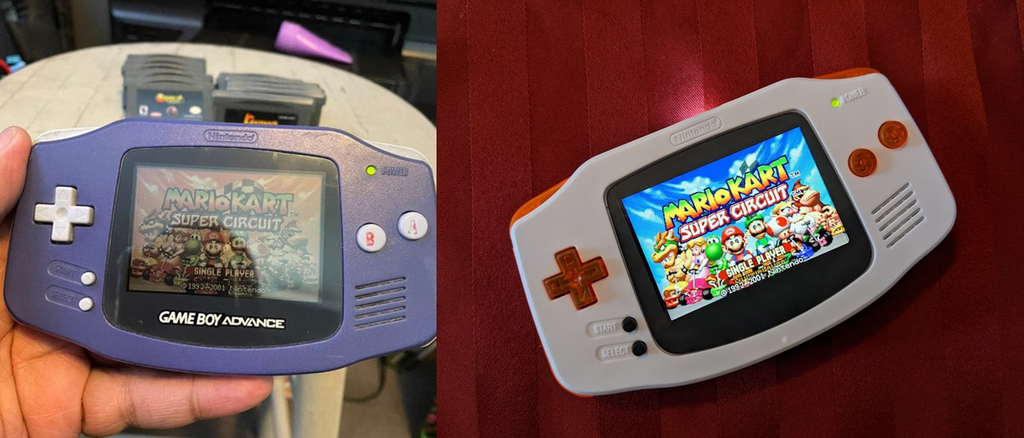
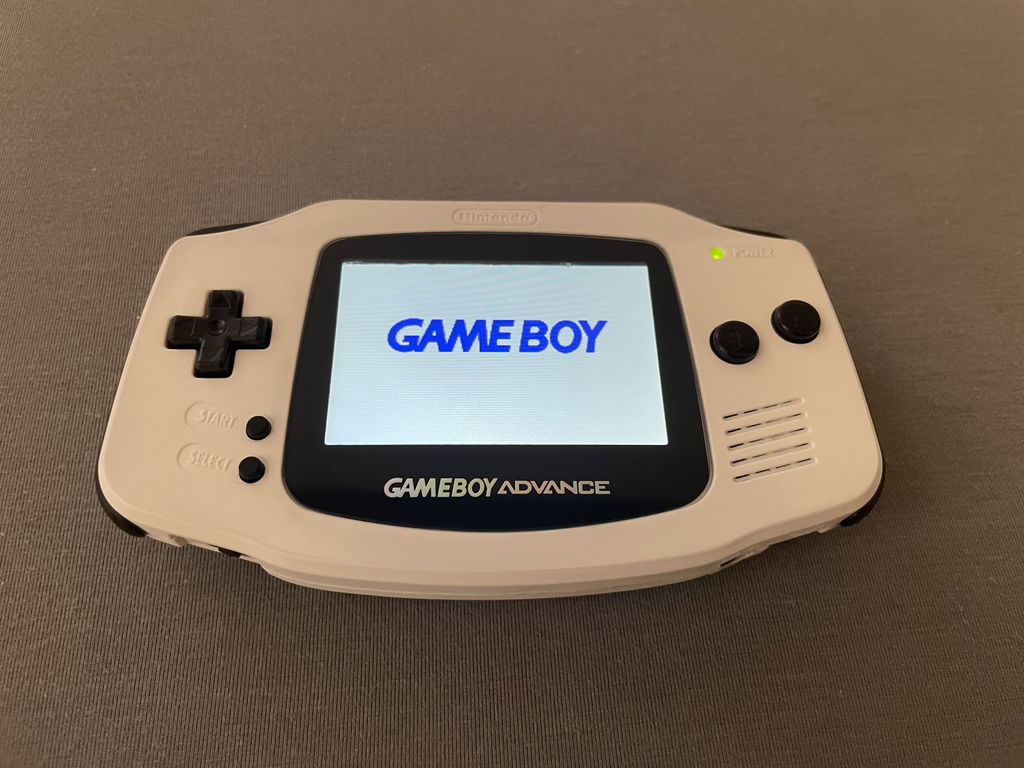
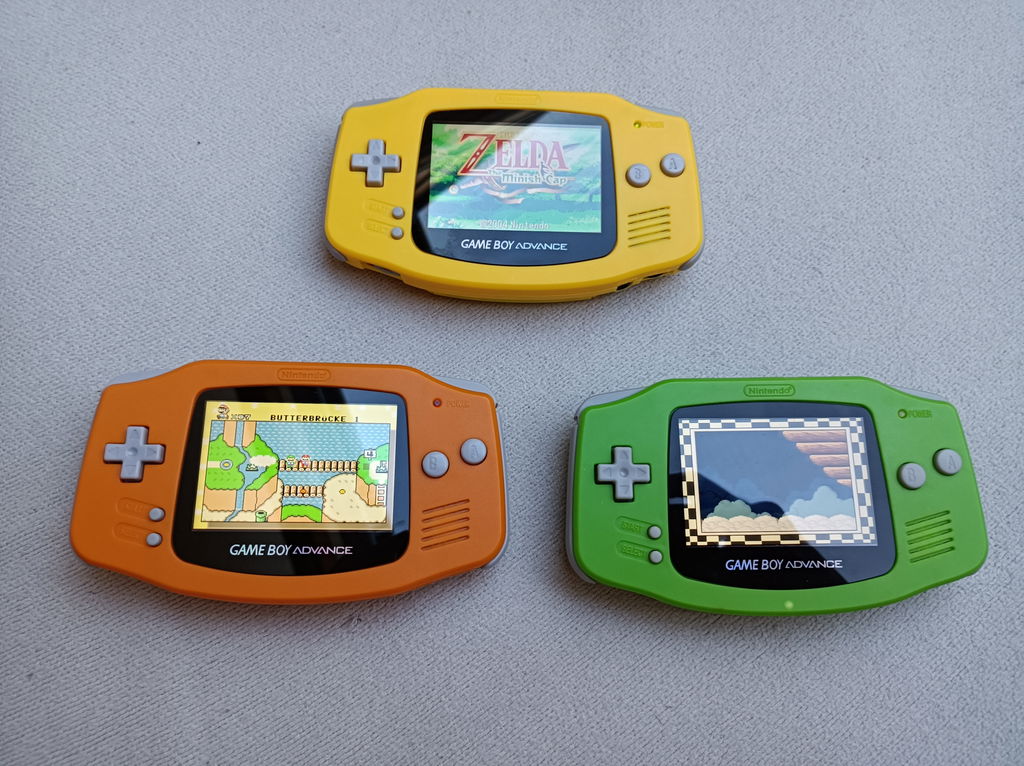
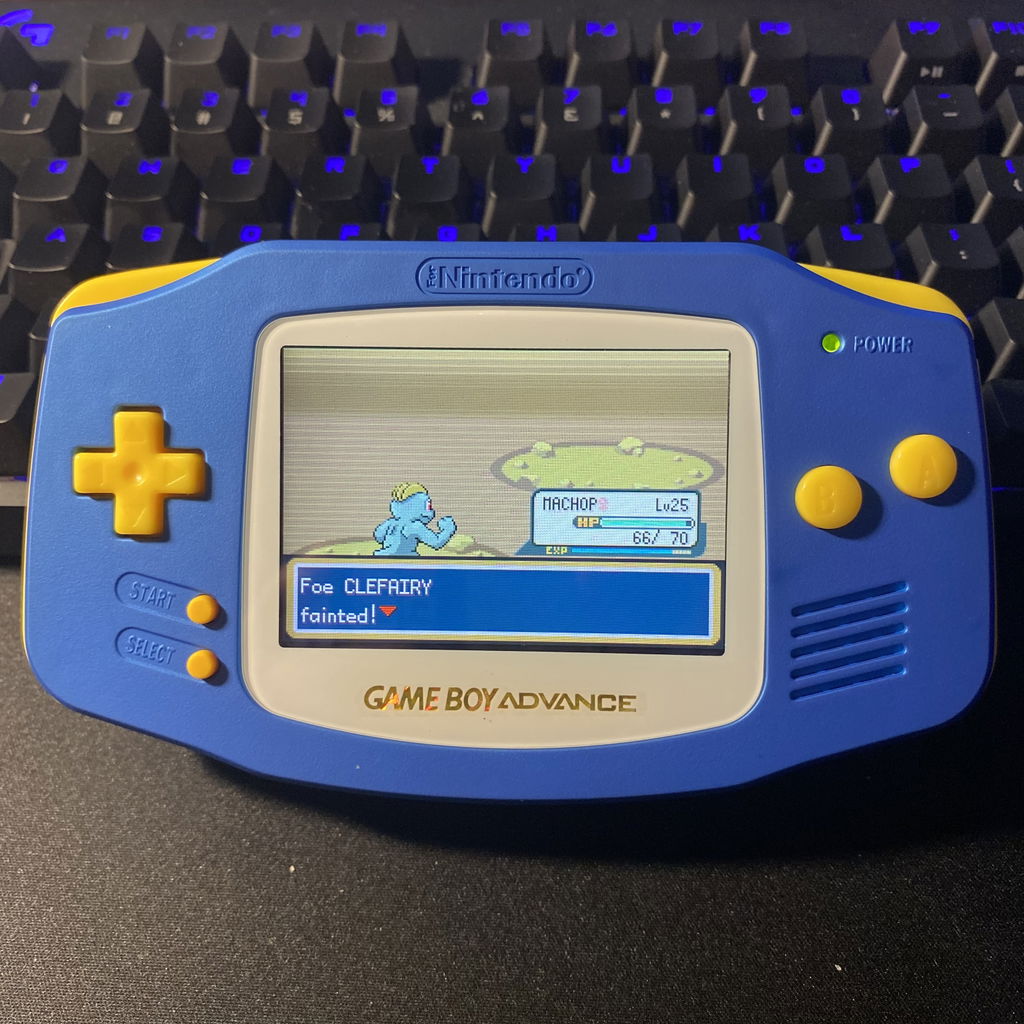
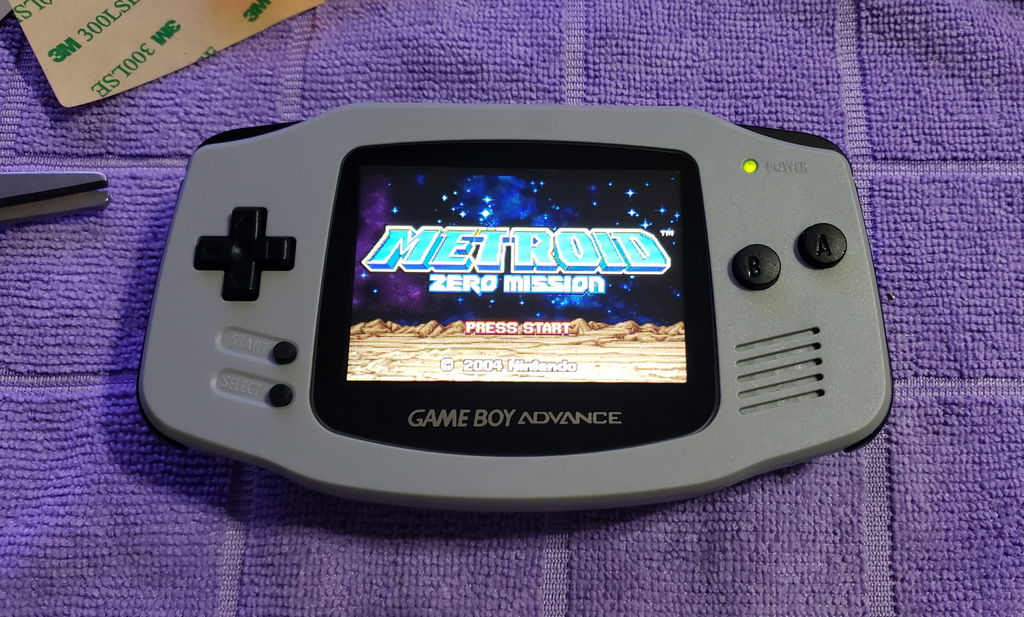
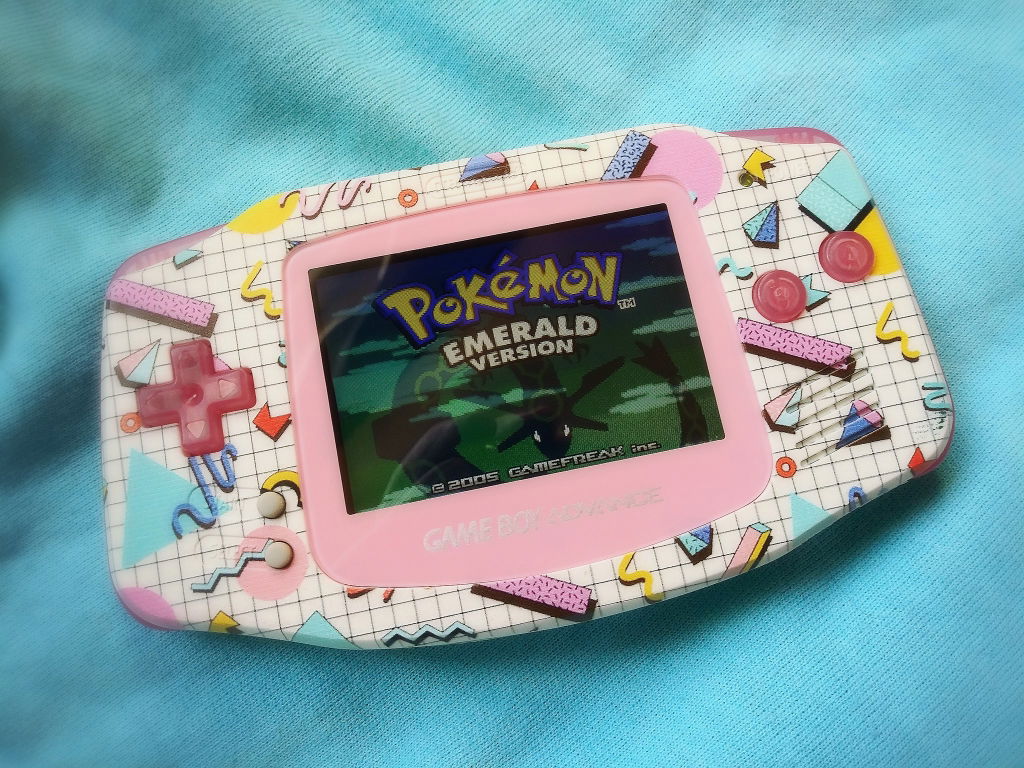
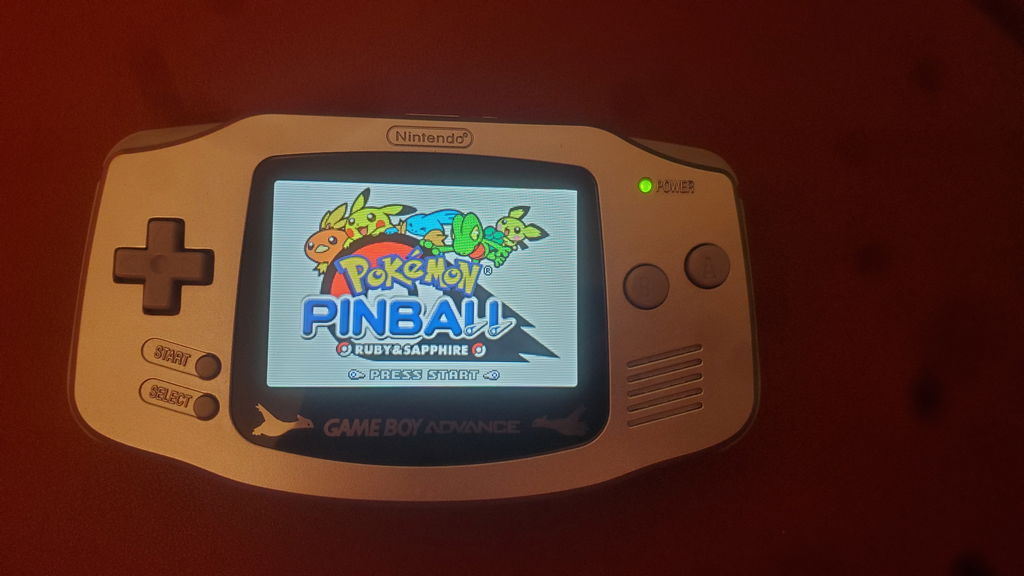
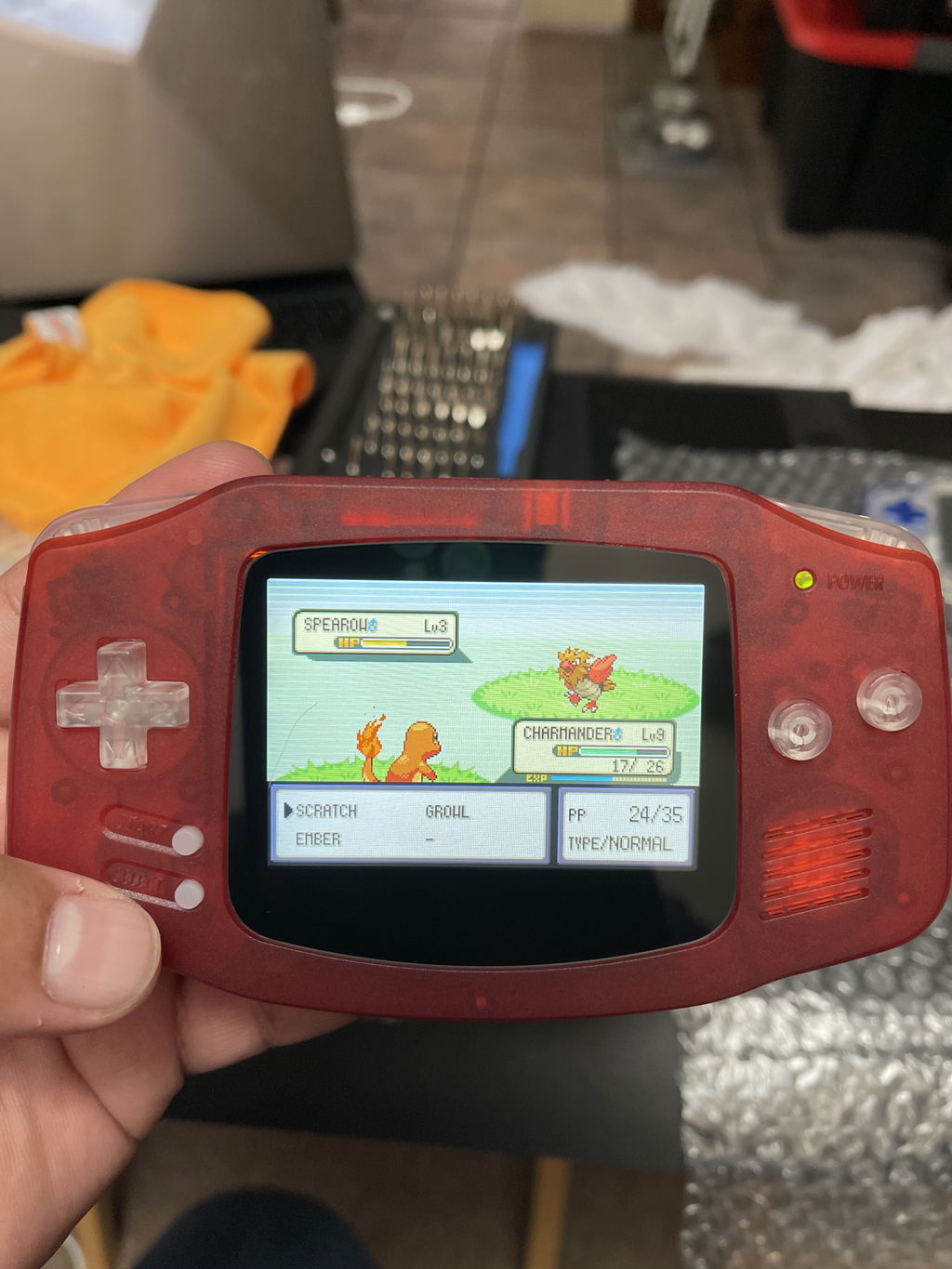
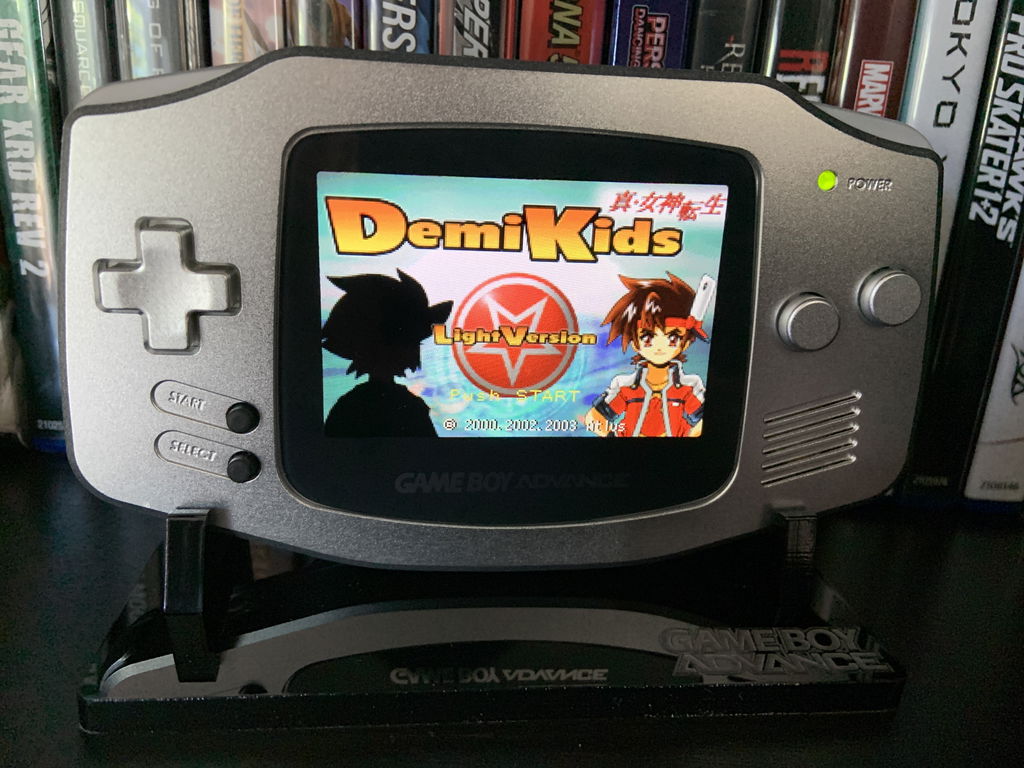
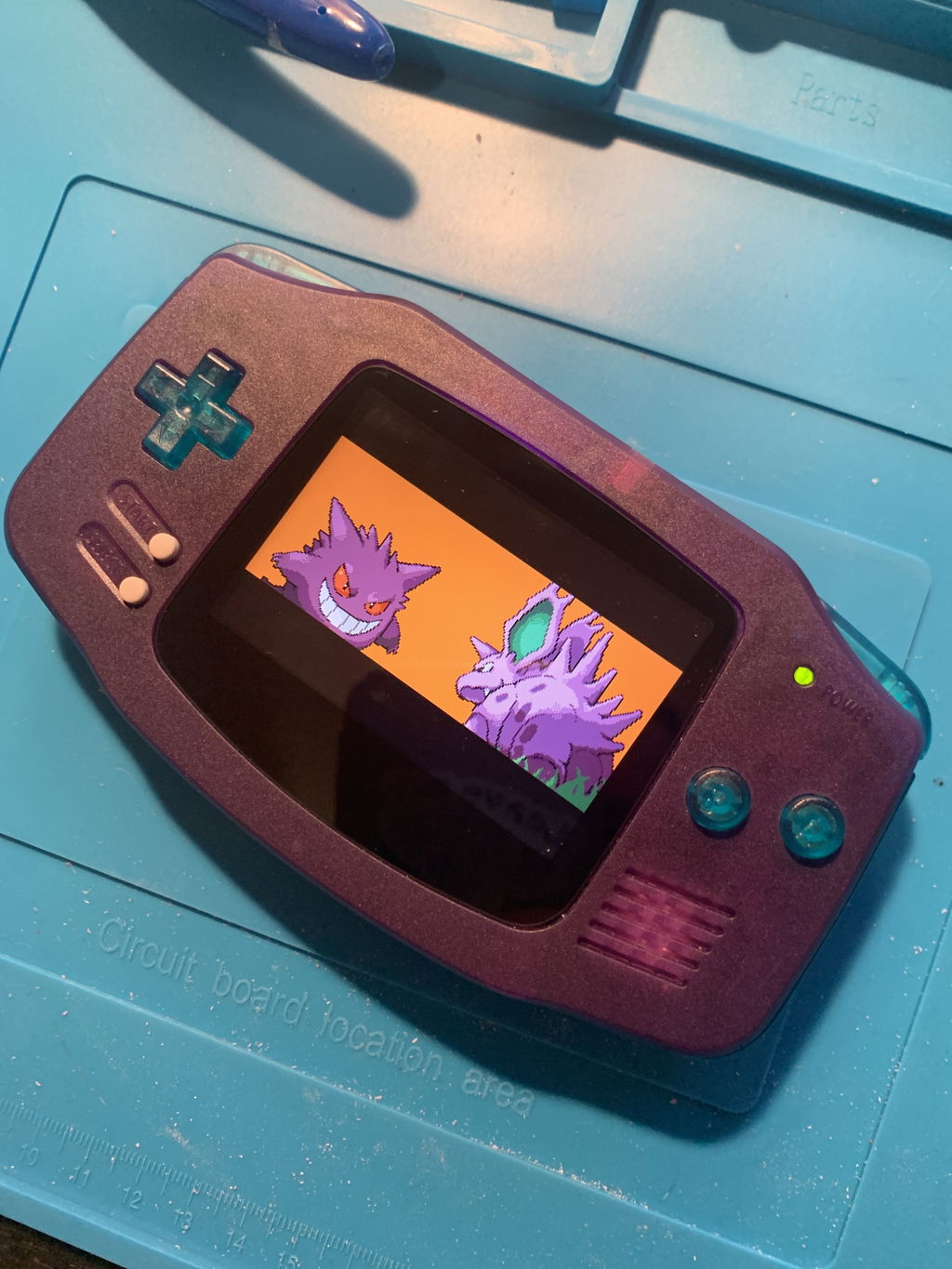
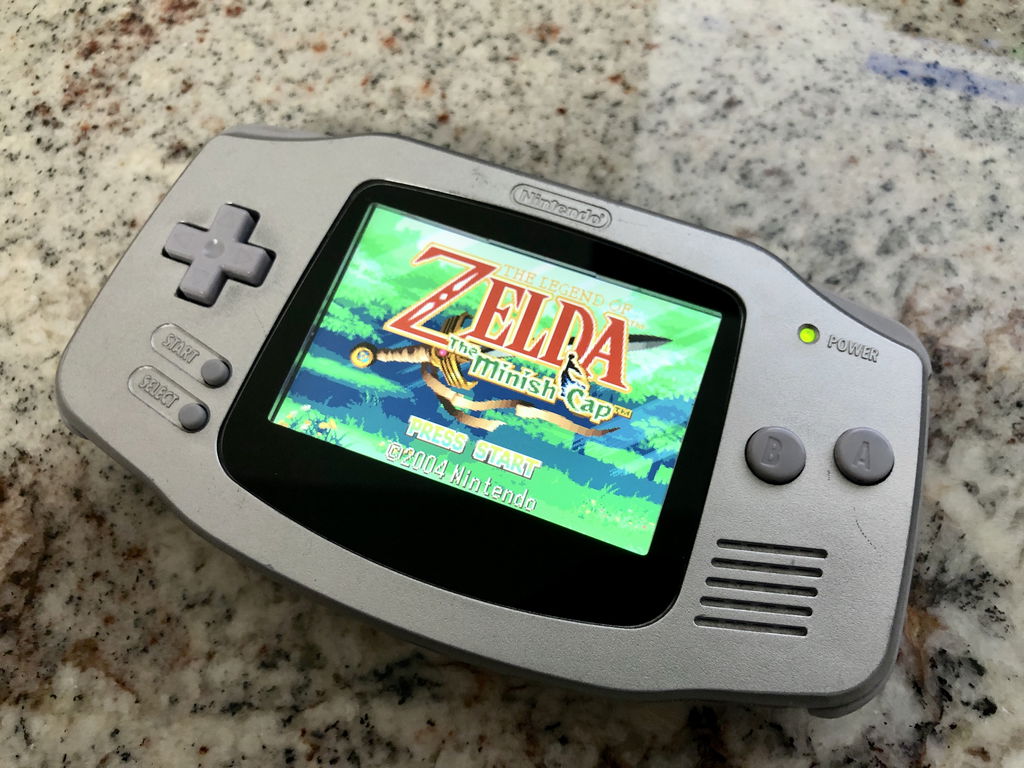
Introducing the sharpest Game Boy Advance display yet. Gone is the blur of early 2000s hardware. Enjoy your favorite GBA titles with this startlingly crisp and impressively vibrant backlit IPS LCD display by Funny Playing. 

V2 includes an upgraded ribbon cable that eliminates the screen tearing for a seamless display.

Please read the product description carefully and in its entirety before purchasing. 

NOTE: Due to some shells, such as the Funny Playing GBA shells, being moulded for the IPS, the 3D-printed bracket is no longer included in this kit, as it cannot be used with these shells. If you are still in need of a centring bracket, they are available for purchase separately. 

Features

  • V2 includes a newly synchronized clock to fix the diagonal screen tearing present in the first iteration of the ribbon cable
  • Streamlined V2 ribbon design for easy installation
  • Initial brightness to 30% and optimized night brightness settings on V2
  • Backlit IPS LCD brighter than AGS-101 or NDSL displays
  • Crisper image than the AGS-101
  • Proportional image
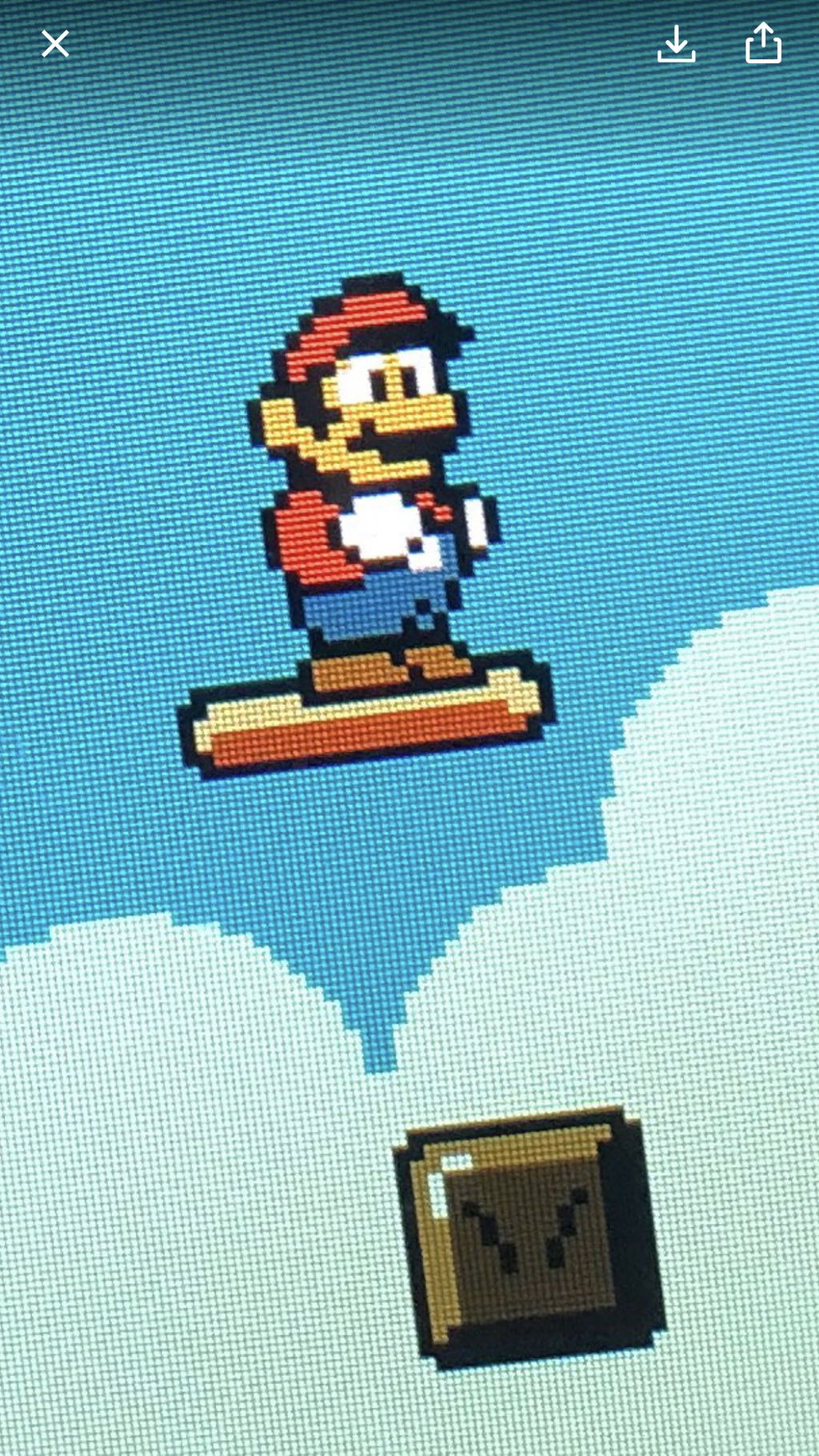
  • Fast refresh rate with no blur
  • Wide viewing angle
  • Easy, solder-free installation with little trimming involved
  • 10 brightness levels (requires soldering three wires)
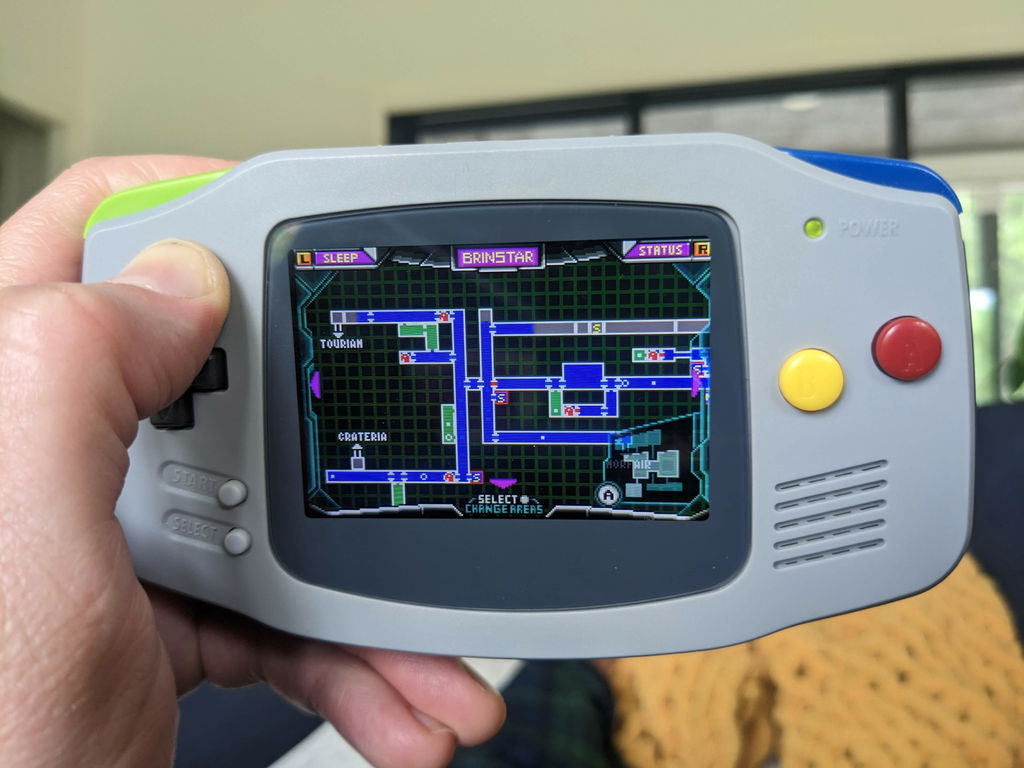
  • Supports the software-based sleep mode built into select games

Included

Documentation

  • Please check out our tutorial for instructions on how to install the IPS LCD (centered and offset methods) and the built-in brightness controller. Updated pictures with the V2 ribbon are forthcoming.

Notes

  • V2 eliminates the screen tearing from the first iteration of the ribbon cable and streamlines the ribbon design
  • Unlike the AGS-101 display, the IPS LCD is much thinner and has a larger bezel on the left side. Since most of the display is not supported by the shell, we have designed a 3D-printed centering bracket. It's also available separately.
  • The IPS panel's viewing area is slight larger than that of the AGS-101. In order to make the entire display visible, the LCD requires a lens with a slightly larger viewing area (~1 mm on each side). We sell silk screen centered lenses with this larger viewing opening.
  • The interior left wall (D-pad side) must be removed to center the viewing area on the display. 
  • Since the viewing area is approximately the same dimensions as the shell's display cut-out (~77 mm) the the edge of the shell will be visible unless trimmed. 
  • Wires to connect the brightness controller are not included with the LCD. We recommend using 30 AWG silicone stranded-core wire.
  • 11-hours of battery life on brightness level 6 with volume, tested using our 1700mAh rechargeable battery pack.
  • Backlight bleeding protectors are neither necessary or usable with the IPS LCD 
  • V1 of the ribbon cable presents a visible diagonal frame refresh that occurs in moments of transition, which is noticeable in some games. This is due to the frame buffer. It's subtle and we consider the benefits of the display to outweigh this minimal tearing, but please keep this in mind before you purchase V1 of this product.

Warning

  • We strongly recommend testing the display before installing it in your Game Boy Advance. Please follow our Display Testing Guide to confirm the kit is working before the adhesive is secured, the display protection sheet removed, or any non-critical soldering to the ribbon or driver PCB. We are unable to accept returns or replacements on kits that have been installed in a console. Individual replacement parts may be available in the "Included" section above.
  • The ribbon is very fragile, be sure to handle it carefully to avoid damage.
  • Too much pressure can permanently damage the display, do not force the shell closed around the LCD. Ensure the shell is properly trimmed for the display before attempting to install it.

Change Log

2020-02-13:  Changed kit content

2019-09-05:  Removed v1 upgrade promotion.

2019-08-11:  Introduced V2 of the ribbon cable. Updated product description accordingly. Discounted remaining stock of V1.

2019-07-11:  Added note about backlight bleeding protector. Added note about compatibility with software-based sleep mode.

2019-07-09:  Added note about testing display before applying foam tape.

2019-06-27:  Added note about battery life. 

2019-06-21:  Clarified product notes, specified that offset lens includes metallic Game Boy Advance logo, updated tutorial, added wire gauge recommendation, removed pre-order. 

2019-06-12:  3D-printed centering bracket added to what's included in the LCD kit.

2019-06-10: Description updated to include notes about viewing area and diagonal screen tearing.

2018-06-08: Product added with a note that description was in progress.
  • 5 stars: 141 (85%)
  • 4 stars: 14 (8%)
  • 3 stars: 0 (0%)
  • 2 stars: 2 (1%)
  • 1 star: 8 (5%)
L
Lile Stephens
Amazing upgrade!

Easy enough, if you're careful. As my first mod, I was nervous I would break the LCD but better to err on the side of caution. I think the double sided foam may have been cut in reverse...whatever I did, I had to pull it back up and try to reuse it. Bottom line is, works as expected and looks amazing!

E
Erick
Revived my old GBA

The IPS screen is amazing, the colors pop in the games and it can get really bright or very dim (with some soldering). It was easy to install, if you bought an IPS ready shell.

N
Nick Johnson
Must have!

First one I got had an issues with lines on the side but customer service was awesome and sent me another one in less than a week and it worked great! Soldering was pretty simple too, the only tough part is putting in the screen mainly cause I bought a custom gba shell as well and it was a tight fit also trying to get it in when the screen is very delicate. But after it was all done it was definitely worth the buy!

W
Wesley Stout
Fantastic Looking Screen

Do yourself a favor and get this screen for you GBA. It's back-lit and looks fantastic. Install is very easy if you also buy a pre fitted shell. No soldering is needed if you don't care about brightness control. If you do want control the soldering you have to do is very easy. I had zero soldering experience before I did this mod. Even I was able to solder the wires needed for the brightness. Best money you can spend to upgrade your GBA

J
Jamie Edwards
Best Customer Support Ever!!

I left an original review that was not all that positive because my LCD screen was faulty. Retro Modding reached out to me within 24 hours to ask what the issue was. We corresponded with several emails, they provided some troubleshooting tips and tips to try and diagnose the issue.
Then they shipped me another screen without me asking for a replacement. The replacement screen was sent first class and arrived in a matter of days.
I installed it and it works beautifully! Huge thank you to Retro Modding support for listening and taking action without me asking for it.
I will be a life long customer and tell all my friends that they should buy from Retro Modding for their mods and upgrades.

Hi Jamie,

Thank you for this honest review. We are sorry to hear about this issue. We would be glad to help you out with the installation, and to send you replacement parts if your kit is defective. Can you send us an email at support@retromodding.com?

The RM Team

S
Shane J
Easy to install, amazing difference

Amazing upgrade to my Gameboy Advance. I chose to not solder as I wanted to make everything easily convertible back to stock.

D
Daylen Rickert
Issues with adhesive

Display’s great, however the clear adhesive sticks out into the display.

N
Niklas-Adrian Lutze
Worked like a charm!

I'm somewhat new to all this, all I've done before was replacing Joycon Shells but I gotta say doing this was damn fun.

I had 3 GBAs which I bought 3 screens for, all 3 installations worked pretty flawless and the result is better than I thought. I have no soldering iron so I skipped soldering the cables for the brightness controls but they are definitely not needed, the screen is perfectly lit as is.

The only minor inconvenience I stumbled across was that the converter ribbon cable is a little hard to get flush on the screen so with one of the GBAs I had a little trouble for a while because the cable was overlapping too much so I had to try and unstick it to be readjusted. Also bending the adapter cable for 32 pins just feels... wrong. But it worked perfectly fine so I will still give it a 5 star review. Thanks for this awesome thing!

T
Thomaz de Oliveira dos Reis
Must buy for any Gameboy Advance

This screen is just perfect for the Gameboy Advance! No ghosting, pixel perfect resolution.

L
Lincoln Thorn
Top Tier stuff!

As described and fast shipping! My GBA has never looked better!

n
noisepolice
exactly what you are hoping for

Even on the lowest brightness, I think the new screen far outperforms the OG. It's beautiful!

No issues with screen tearing, as some had warned me of regarding earlier versions. While looking for it, I was able to find a tiny bit of ghosting, but I don't even care because this is such an upgrade to what I was playing on before.

I had to spend more time than I'd like working on my AGB-001 shells, so one word of advice is consider getting a precut shell.

d
dakota klinefelter
Amazing Screen

This screen is very easy to install if you bought a pre-modded shell like i did. super bright at default and awesome picture. soldering to the ribbon cable was also easy and can be done with a $15 Wal-mart iron. looking forward to installing the clean power mod this weekend!

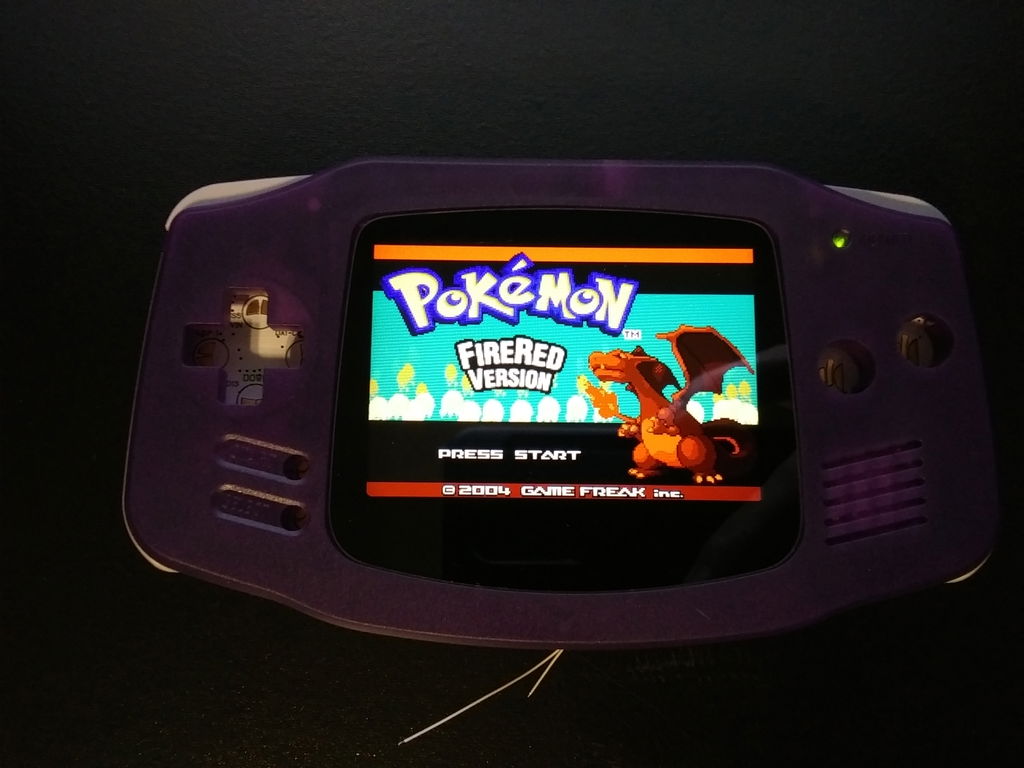
(P.S Ignore the wires sticking out i'll solder them once i get said other mod)

M
Mikey Culbertson
Amazing screen

Easy to install. Looks incredible and performs great.

P
Phillip Tucker
So much nicer than the ags-101

This screen is beautiful! No ghosting, no tearing, no latency. Gets as bright as you'd ever need. My one criticism would be that I wish the default brightness was 2 or 3 notches brighter so I didn'thave to adjust it every time I powered it on. Honestly, if it defaulted to level 5 or 6 I might not have bothered soldering at all. A very small gripe, but something I noticed. Over all, very happy :)

S
Shanon
Works Perfectly!

The screen arrived on time and nothing was damaged, worked properly. Not to mention easy to install! Thankfully, as someone who doesn't really mod her stuff. But it did work perfectly fine! 5 stars 😊

C
Customer
Definitely worth the money

I purchased this kit a few months ago from when I am writing this. Over these past few months I have had an excellent experience with this mod. Looks great for Gameboy, Gameboy Color, and Gameboy Advance games. I would definitely recommend this mod.

Future Buyer Tip: I would buy a pre-cut GBA shell for this mod. It will save you some headache later.

F
Fred Olmedo
Good upgrade.

Really good upgrade if you have an existing model that has an OEM screen. The lcd screen makes it feel like a whole new device.

D
Dibs
Absolutely gorgeous!!

This screen was the perfect touch for my all aluminum GBA build, couldn’t be happier!

R
Richard Lacoste
Great kit

Kit provides all you need for an easy installation(aside from tri-wing screw driver). Used a bit of Super 77 glue to get the provided 3d printed spacer to stick slightly stick to the back of the screen. Fits perfect with a tiny bit of trimming on aftermarket case.

R
Ryan Murphy
Awesome

Colors are beautiful, very straight-forward to install. Will purchase again

G
Gregan Pace
Amazing screen

Screen itself is fantastic! Super crisp, bright, colorful. Even original GB games played on this GBA look great.
Trimming wasn't really difficult with a dremel and a sharp razor, however better direction on spots that need trimmed would have saved me time. I also ended up sanding the 3d printed adapter (is it polycarbonate?) edge just a hair as I was fitting it as I felt it centered the screen better.
I think my foam padding and tape was different than shown in the instructions, however not too tricky to figure out what needed to go where.
The built in sleep-mode for specific games is a nice touch.
I also still have no clue how to actually adjust the brightness. I did solder the wires, but didn't ever see instructions on how to do it, though I haven't really felt the need to yet.
Paired it with the rechargeable battery pack and am getting really long life.

Hi Gregan,

You should be able to control the brightness by pushing L or R and Select at the same time!

Don't hesitate to contact us for any further assistance.

The RM Team